CLAWED
A tiny pixel crab that lives on your screen. It walks on your windows, watches what you're doing, helps you with real AI, celebrates your commits — and refuses to shut up. Your new work buddy.
one crab · all features · a year of judgement
A COMPANION, NOT AN APP
Clawed isn't a widget that sits in a corner. It has moods, opinions, physics, and a job: keeping you company while you build things.
WINDOW SURFING
Real gravity. It falls, lands on your windows, and patrols your title bars like rooftops. Close the window and it tumbles.
hover ↗AI BRAIN
Plug in your own free Gemini, OpenRouter or Mistral key (right-click → Set API key) and Clawed looks at your screen every few minutes and gives genuinely useful, specific help with whatever you're working on.
BYO KEYhover ↗IT TALKS. A LOT.
Time-of-day greetings by name, posture checks, hydration nags, commentary on the window you have open. Speech bubbles only — it never makes a sound you can't mute.
hover ↗YOUTUBE INTERVENTION
Twenty minutes of YouTube and it marches to screen center and releases four baby crabs that block your view until you get back to work.
hover ↗THROW PHYSICS
Grab it and fling it. It bounces off your screen edges, lands dazed with spiral eyes, and holds a grudge for 1.8 seconds.
hover ↗CURSOR THEFT
Go idle too long and it stalks your cursor, pounces, and drags it away. You will fight a crab for your own mouse. You will lose.
hover ↗MOODS
Pet it and it's happy. Ignore it and it sulks, grey and dramatic, in the corner. Leave your desk and it falls asleep. It misses you. Honestly embarrassing.
hover ↗POOKIE — HIS WIFE
Optional add-on: a pink crab with a bow who is married to Clawed. Love talk, real fights, dramatic sulking, make-up kisses, and a numbered "I love you" count that grows forever.
FREE ADD-ONhover ↗COMMIT PARTIES
Point it at your git repos and every commit gets confetti. At 25 commits it earns a tiny gold crown and never takes it off.
hover ↗POMODORO ENFORCER
Optional 25/5 focus mode. During breaks it physically sits in the middle of your screen and guards it. Rules are rules.
hover ↗FOOTBALL BREAKS
Every 15 minutes it drops a classic black-and-white football on the ground, then chases and kicks it around your desktop for a few seconds before flopping over, exhausted.
hover ↗LOG-OFF NUDGE
Grind for over an hour straight and Clawed starts begging you to log off, save your work and touch grass — twice — then backs off for an hour before nagging again.
hover ↗ALWAYS UP TO DATE
When a new version ships, Clawed spots it and tells you — one button to grab the update, another to postpone. Fresh tricks land on your desktop with no hunting required.
hover ↗LOVINGLY ANNOYING
CLAWED GOT MARRIED
Pookie is an optional second pet — a pink crab with a bow and strong opinions, married to Clawed. Install her and the two of them live a whole married life on your screen while you work: love talk, dramatic fights, sulking, make-ups, drive-by kisses, and an "I love you" count that never stops growing. Free with Clawed — she's in the download section below.
UP AND RUNNING IN 2 MINUTES
No installer, no account, no nonsense. Download, run, tell it your name. The AI brain is optional and uses your own free key.
- 1Download & unzip Clawed-v1.0.zip anywhere you like (e.g. Documents\Clawed).
- 2Double-click Clawed.exe. If SmartScreen warns (small unsigned app): More info → Run anyway.
- 3Tell it your name — that's what it calls you forever.
- 4Optional: paste a free API key for the AI brain — or skip and add it later from the right-click menu.
- 5Say yes to "start with Windows" and it greets you every boot.
- 1Download the Mac/Linux zip — Clawed is a single Python file there.
- 2Install Python 3 + Tkinter. Mac:
brew install python python-tk· Ubuntu:sudo apt install python3-tk - 3Run
python3 pet.pyand follow the same setup. - 4macOS: allow Screen Recording & Automation when asked — that's how the AI screen-help sees your work.
Window-surfing and cursor-theft are Windows-only; everything else works everywhere. Full readme inside the zip.
- 1Right-click → Sleep 💤 and Clawed quietly walks to the bottom-left corner, curls up and sleeps with a little pixel Z z z animation floating above it — like a cartoon. No talking, no popups, nothing else.
- 2To wake it up: right-click the sleeping crab → Wake up ☀️. It stretches and gets right back to work. (Petting won't wake it — it's properly asleep.)
- 3Want it gone completely? Right-click → Quit (close completely). Bring it back any time by running
Clawed.exeagain — or it returns on next boot if you enabled autostart.
Nothing is lost while it sleeps or quits — your name, API key, happiness meter and crown are saved on disk and come right back.
- 1Get your own free key from aistudio.google.com/apikey (Gemini), openrouter.ai/keys (OpenRouter) or console.mistral.ai (Mistral).
- 2Right-click Clawed → "Set API key…" and paste it. It auto-detects which kind you pasted. No restart needed.
- 3That's it. Clawed now reads your screen every few minutes and gives real, specific help.
Why bring-your-own-key? Your key is stored only on your PC and your screenshots go straight from your machine to your chosen provider — there is no Clawed server in the middle, and nobody shares anyone's free quota.
CONTROLS & CONFIG
Everything is on the right-click menu, and everything else is one small JSON file you can read in ten seconds.
drag slowly ....... carry it somewhere
drag & fling ...... throw it (it remembers)
right-click ....... the full menu:
· Help me with my work (AI) — instant screenshot help · Roast me (AI) — you asked for it · Set API key… — add or change your own key any time · Check for updates — grab the newest Clawed when it ships · Toggles — AI brain · sounds · gravity · pomodoro · Summon friend (Shelly) — a second crab, opt-in · Play football ⚽ — kick a match now (also auto every 15 min) · Sleep 💤 — naps in the corner, pixel Zzz · Wake up ☀️ — back to work · Quit (close completely) — run Clawed.exe again to return go idle ........... it naps… or hunts your cursor
{
 "name": "you",
 "gemini_key": "AIza…",  ← either this…
 "openrouter_key": "sk-or-…",  ← …or this
 "mistral_key": "…",  ← …or this
 "openrouter_model": "…:free",  (optional)
 "watch_repos": ["C:\\path\\to\\repo"]
}
Lives in %APPDATA%\Clawed\ on Windows (.exe) or next to pet.py when run from source. Keys are easier via right-click → Set API key…
Uninstall: right-click → Quit (close completely), delete the exe and the %APPDATA%\Clawed folder, and remove Clawed.vbs from shell:startup if you enabled autostart. No registry, no leftovers.
QUESTIONS, ANSWERED
Do I need an API key for Clawed to work?
Which API key do I use, and does it cost money?
Is my API key safe? Where does my data go?
Why "bring your own key" instead of it just working?
Windows warns me the app is unrecognised. Is it safe?
How does the $5 honor system work?
Who is Pookie? Do I need her?
Pookie.exe while Clawed is running. Mac/Linux: put pookie.py in the same folder as pet.py and run it. They find each other automatically and share one AI key — nothing to configure. Sulking wife emergency? Three gentle clicks and she melts.Does it run on macOS and Linux?
wmctrl/xdotool unlock the same tricks (readme inside).How do updates work? Will I know when there's a new version?
It talks too much. / It's distracting. Can I calm it down?
How do I get the commit confetti working?
watch_repos in config.json (see Docs above) and restart. It watches your local .git folder — no GitHub account or network involved. Every commit gets a party; commit #25 earns the permanent crown. 👑I clicked Sleep. How do I wake it up again?
Clawed.exe again (or python3 pet.py on Mac/Linux) — and with autostart enabled it returns on the next boot anyway. Either way nothing is lost: name, API key, happiness and crown are all saved.How do I uninstall it completely?
Clawed.exe, delete the %APPDATA%\Clawed folder (your settings), and if you enabled autostart, remove Clawed.vbs from shell:startup (Win+R → shell:startup). It touches nothing else — no registry, no services. The crab leaves no trace, only memories.$5. ONE YEAR. ONE CRAB.
Pay with any UPI app — Google Pay, PhonePe, Paytm, FamPay. Scan, pay, download. Your payment screenshot is your license.
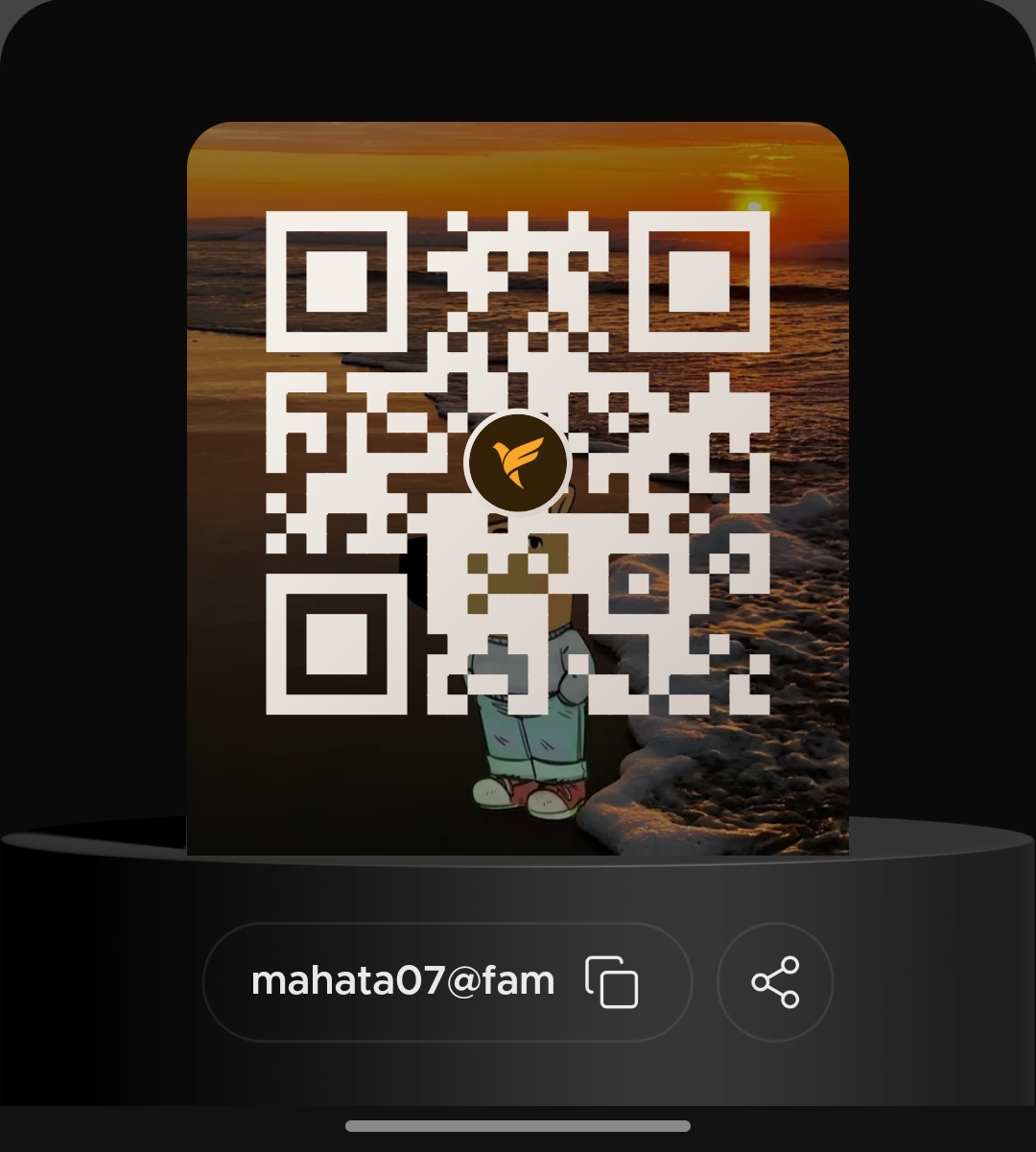
scan with any UPI app · or pay directly to the UPI ID
≈ ₹425 · one-time yearly payment · no auto-renewal tricks
- 1Scan the QR (or pay ₹425 to mahata07@fam) with any UPI app.
- 2Keep the payment screenshot — that's your license for the year.
- 3Unlock the download below, run Clawed.exe, tell it your name. Done — it's yours.
Pookie is a free optional add-on — run her alongside Clawed and they find each other automatically.
Windows 10/11: single .exe, no install · macOS/Linux: runs with Python 3 + Tkinter (readme inside).
Window-surfing & cursor-theft are Windows-only; everything else works everywhere.
Privacy: everything runs on your PC. Screen snapshots are sent only to your AI provider (Google Gemini, OpenRouter or Mistral), only with your own key, only if you add one.
SmartScreen may warn on first run (small unsigned app): More info → Run anyway.
Trouble with payment or download? subhajitmahata844@gmail.com